

Grow your game with WebGames.io
Pin our little "also play my game" thumbnail in a corner of your game. Players tap it to discover another game — and the network sends players back to you.
1
Pin the widget
Drop the thumbnail widget in a corner of your game page (top-right works great). It auto-fills with a game from the network.
2
Submit your URL
Tell us your game name and link. We check the widget is live and the game is kid-friendly.
3
Get published
Once approved, your game lands on the homepage and starts collecting plays — track them in your stats.
The widget is a little thumbnail
Here's exactly how it looks on your game — a small, tappable thumbnail in the corner. That's it, no ads system.
🎮 YOUR GAME
PLAY
↗ sits in a corner
ALSO PLAY
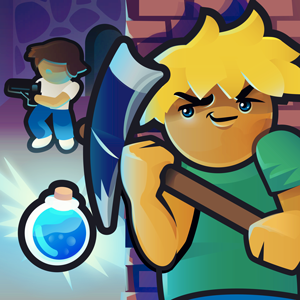
▸ BUILDROYALE.IO
Copy this snippet
<!-- WebGames.io — "also play my game" thumbnail -->
<div id="wg-alsoTry" style="position:fixed;top:12px;right:12px;width:156px">
<a id="wg-alsoTryLink" href="" target="_blank">
<img id="wg-alsoTryImg" alt="Also play this game!" style="width:100%">
</a></div>
<a id="wg-moreGames" href="" target="_blank">More games</a>
<script src="https://webgames.io/js/widget.min.js"></script>
<script>
Widget.bind ({
reference : "yourgame.io",
moreGames : "wg-moreGames",
crossPromotion : {
container : "wg-alsoTry",
link : "wg-alsoTryLink",
img : "wg-alsoTryImg"
}
});
</script>
Submit your game
Fill this in once the widget is live on your site.